26Mar 2026
table of contents
A generator is a lifeline during power outages, outdoor projects, construction work in remote areas, or camping trips. It keeps lights on, tools running, and devices charged when electricity is unavailable.
However, overheating is a common and frustrating problem. When a electric generator gets too hot, it can lose performance, shut down unexpectedly, suffer costly damage, or even become unsafe.
Understanding the causes of overheating and taking preventive measures can help extend your generator's lifespan, ensure reliable performance, and protect your equipment.
In this article, BISON will explain the main reasons generators overheat, provide a simple prevention checklist, and outline what to do in an emergency to keep your generator operating safely and efficiently.
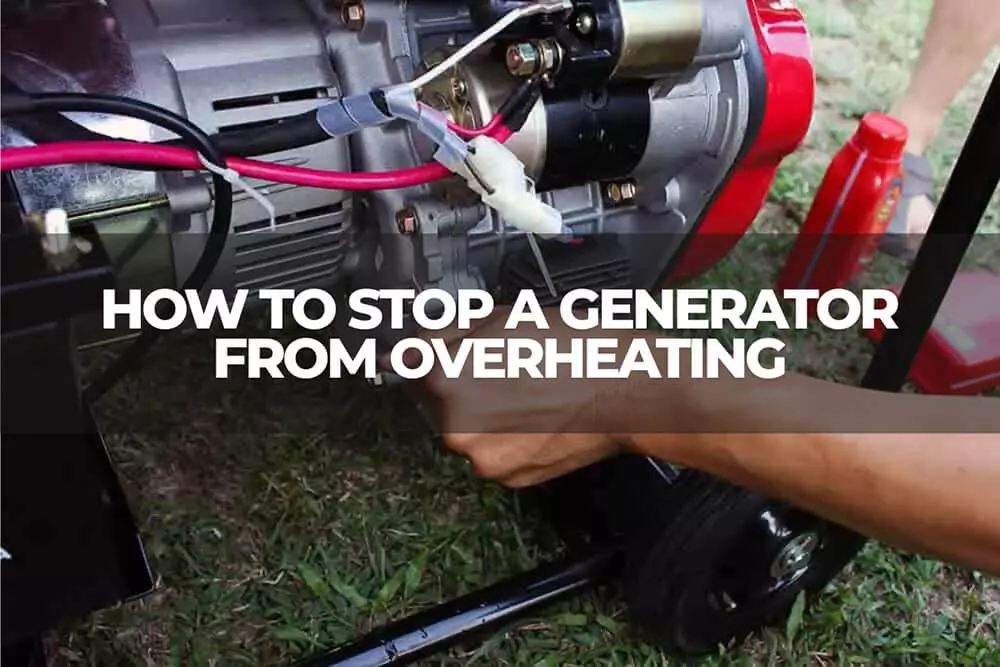
Generators can overheat for several reasons. Understanding these causes helps you prevent problems and keep your bison generator running safely and reliably.
Generators produce significant heat during operation and need proper airflow to cool down. Placing a generator in a confined space such as a garage, shed, or too close to walls traps hot air around the engine, causing temperatures to rise quickly.
Over time, poor ventilation can damage engine components and reduce performance.
Every generator has a maximum rated capacity. Connecting more devices than it is designed to handle forces the engine to work harder, generating excess heat.
Overloading can cause overheating, automatic shutdown, or damage to electrical components.
The air filter ensures clean air enters the generator engine for proper combustion. When the filter is clogged with dust or debris, airflow is restricted, making the engine work harder and run hotter.
This can reduce efficiency and increase engine wear over time.
Engine oil lubricates moving parts and helps reduce heat caused by friction. Low oil levels or degraded oil cannot protect the engine effectively, leading to increased friction and overheating.
Running a generator with insufficient or old oil can result in serious engine damage.
Liquid-cooled generators rely on coolant, radiators, and hoses to regulate engine temperature. Low coolant levels, blocked radiators, damaged hoses, or dirty cooling fins can reduce heat dissipation.
Without proper cooling, engine temperatures can rise rapidly.
Poor fuel quality, clogged fuel filters, or stale fuel can cause incomplete combustion. This forces the engine to work harder and produce more heat.
Fuel system issues can also damage injectors and spark plugs over time.
High ambient temperatures, direct sunlight, and dusty environments place extra stress on generators. Heat buildup and restricted airflow in hot conditions increase the risk of overheating.
Dust can accumulate in vents and engine components, trapping heat.
Generators are built to handle heat during operation, but persistently high temperatures indicate a problem. Recognizing early warning signs allows you to take corrective action before serious damage, costly repairs, or safety hazards occur. Here are the key signs to watch for:
A temperature gauge climbing above normal operating levels is the clearest sign of overheating. You may also notice the engine surface feeling unusually hot or see steam coming from the unit.
This often happens due to overloading, poor ventilation, or low oil levels. Ignoring high temperatures can lead to piston damage or complete engine failure. Always monitor the temperature gauge during operation.
A strong burning, acrid, or chemical smell may indicate overheated oil, fuel, or internal components. Smoke is a serious warning sign. Black smoke can suggest excessive fuel combustion, while blue smoke may indicate oil burning.
If you notice unusual odors or smoke, turn off the generator immediately and inspect it before restarting.
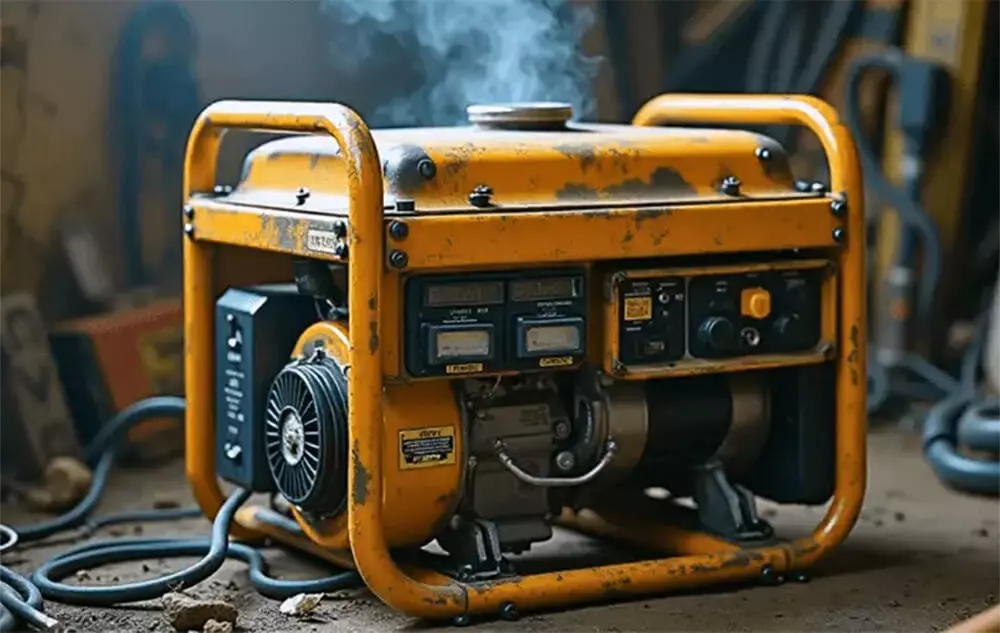
When overheating occurs, a generator may struggle to deliver full power. Lights may flicker, appliances may run intermittently, or the generator may fail to handle its usual load.
Many modern generators also have warning lights or alarms that activate when temperatures become too high. Do not ignore these alerts — they are designed to protect the engine.
Overheating increases friction between engine components, which can cause knocking, rattling, or grinding sounds. Unusual noises often signal internal stress on parts such as bearings or pistons. Addressing these sounds early can prevent severe engine damage.
Many generators include thermal protection systems that automatically shut down the engine when temperatures reach unsafe levels. If your generator repeatedly shuts off due to heat, it indicates an ongoing overheating issue that needs immediate attention. Avoid restarting the unit without identifying and fixing the cause.
In severe cases, overheating can cause melted wires, scorched exhaust parts, or discoloration of engine components. Visible damage is a sign that the generator has been operating beyond safe temperature limits and requires prompt inspection and repair.
If your bison generator starts to overheat, act quickly and safely. Follow these steps to prevent damage and reduce safety risks:
Step 1: Reduce the load immediately: Unplug all connected appliances and devices to reduce engine strain. Lowering the electrical load helps decrease heat buildup and stabilize the generator's temperature.
Step 2: Turn off the generator: If you notice smoke, unusual noises, or persistent excessive heat, shut down the generator immediately. Do not attempt to keep it running while overheating, as this can cause serious engine damage.
Step 3: Allow the generator to cool: Let the generator cool down for at least 30–60 minutes before inspecting it. Do not pour water on the engine, as sudden temperature changes can damage components and create electrical hazards.
Step 4: Inspect for common causes: Once the generator has cooled, check for common issues such as low or dirty engine oil, clogged air filters, blocked vents or cooling fins, and excessive electrical load. Address any visible problems before restarting the unit.
Step 5: Seek professional assistance if necessary: If the generator continues to overheat or you cannot identify the cause, contact a qualified technician. Professional inspection ensures the issue is resolved safely and helps prevent long-term damage.
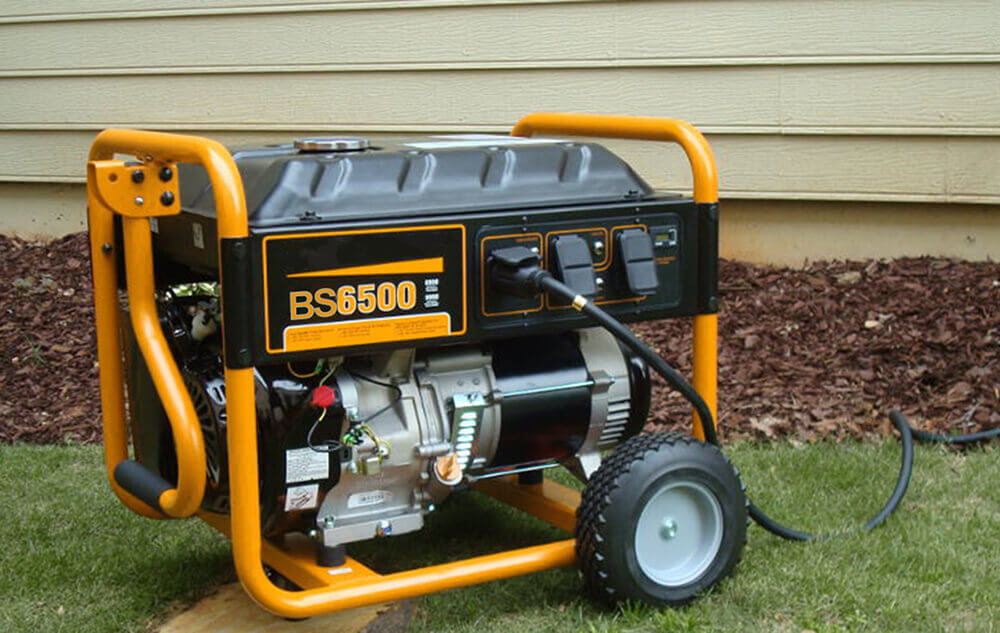
Preventing your generator from overheating is easier when you follow simple, consistent practices. Regular maintenance and smart operation reduce heat buildup, extend service life, and ensure reliable performance over time.
Here are the key long-term prevention strategies:
Always place the generator in an open, well-ventilated area with unobstructed airflow on all sides. Maintain at least 2–3 feet of clearance, and keep it away from walls, structures, or other equipment that may block airflow.
Avoid enclosed spaces such as garages, sheds, or indoor areas. Never operate a generator indoors, as this is both dangerous and harmful to cooling performance.
Whenever possible, keep the generator in a shaded location to reduce heat exposure from direct sunlight. In hot environments, natural airflow or external fans can help improve cooling efficiency.
Do not exceed the generator's rated capacity. Calculate the total wattage of all connected appliances and ensure it remains within safe operating limits. Running too many high-power devices at once forces the engine to work harder and generate excess heat.
Stagger the use of high-draw appliances instead of turning them on simultaneously. During long operating periods, avoid continuous full-load operation — schedule short breaks to allow the engine to cool naturally.
For best performance, choose a generator rated 20–25% higher than your expected maximum load. This extra capacity prevents constant full-load strain, reduces heat buildup, and improves overall efficiency.
Regularly clean or replace the air filter, especially in dusty environments. A clogged filter restricts airflow, forcing the engine to work harder and generate more heat.
Use a soft brush or compressed air to remove debris when cleaning. A well-maintained air filter ensures proper combustion, reduces engine stress, and helps maintain safe operating temperatures.
Always use clean, fresh fuel and the recommended engine oil specified in the generator manual. Low-quality fuel or degraded oil reduces performance and increases heat buildup.
Check the oil level before each use and replace old oil at the recommended intervals. Change fuel filters as advised and avoid using stale fuel, which can clog injectors and cause incomplete combustion. Proper lubrication reduces friction, improves heat dissipation, and protects internal engine components.
For liquid-cooled generators, regularly check coolant levels and inspect radiators and hoses for leaks, dirt, or blockages. Flush the cooling system periodically to remove contaminants. Ensure cooling fins are clean and unobstructed to allow proper heat dissipation.
If your generator operates under heavy or continuous loads, consider upgrading cooling components such as larger radiators or improved fans to enhance temperature control.
High ambient temperatures and direct sunlight increase the risk of overheating. Whenever possible, operate the generator in shaded areas and during cooler periods of the day. Use ventilated covers or canopies that protect against heat and dust while still allowing proper airflow.
In extreme heat, reduce run times or use external airflow support to help maintain safe temperatures.
Modern generators often include built-in thermal sensors, warning alarms, or automatic shutdown systems. These safety features help prevent serious engine damage by alerting you before temperatures reach critical levels.
If your generator does not have built-in protection, consider installing an aftermarket temperature monitor for added safety and peace of mind — especially during extended or unattended operation.
Follow the manufacturer's recommended maintenance schedule for oil changes, filter replacements, coolant checks, and inspections. Routine professional servicing can identify potential overheating issues early and prevent costly repairs. Consistent maintenance is essential for long-term performance and reliability.
Older generators may overheat due to worn components such as radiators, hoses, bearings, or gaskets. Replacing aging parts improves cooling efficiency and reduces heat-related risks.
If your generator frequently overheats despite proper maintenance, upgrading to a newer, more efficient model with improved cooling technology may be the best long-term solution.
Dust, dirt, and debris can trap heat and restrict airflow around the engine. Regularly clean the exterior surfaces, vents, and air intake areas to maintain proper cooling. In dusty environments, use a soft brush, compressed air, or mild cleaning agents to remove buildup and prevent overheating caused by blocked airflow.
Loose, worn, or damaged electrical connections increase resistance, which can generate excess heat and place additional strain on the generator. Inspect wiring, plugs, and terminals regularly, and tighten or replace any compromised components to ensure safe and efficient operation.
Yes, an external fan can improve airflow and assist cooling. However, it should not replace proper placement. The generator must still be operated in an open, well-ventilated, shaded area to cool effectively.
No. An overheated generator can cause serious burns. Always shut it down and allow it to cool completely before inspecting or performing maintenance.
No. Pouring water on a hot engine can cause thermal shock, leading to cracks or internal damage. Allow the generator to cool naturally with proper airflow.
Preventing your generator from overheating is essential for safety, performance, and long-term reliability. By selecting the right generator size, ensuring proper ventilation and placement, managing electrical loads carefully, and following a consistent maintenance schedule, you can avoid most overheating issues before they start.
Regular inspections, clean air filters, quality fuel and oil, and attention to environmental conditions all play a key role in controlling engine temperature. Proactive care not only protects your generator from costly damage but also extends its lifespan and improves efficiency.
Remember, your generator is a valuable investment that powers your home, jobsite, or outdoor activities. Treat it with proper care, and it will provide dependable performance whenever you need it most.
Take action today — apply these best practices and maintain your BISON generator to ensure safe, stable, and long-lasting power.
inquiry form here
BISON BLOG, All the latest news and views from Bison Machinery.
what's hot?
Related Articles
Open Frame vs Closed Frame Generators: What's the Difference? Generator Backfires why is my generator draining oil what is reverse power protection in a generator does my generator have a bonded or floating neutral?Related Products